Navigation
Installation Instructions
These are the installation instructions for MIB 1, which is outdated and no longer developed.
The current version is MIB 3; see also MIB 2.
If you have a MATLAB license it is recommended to use MIB for MATLAB environment distribution of MIB suitable for Windows, MacOS and Linux.
Otherwise use the standalone versions of MIB compiled for your operating system.
As they are compiled with our academic MATLAB license, the standalone versions are for non-commercial academic research only (see license).
Run Microscopy Image Browser as standalone (Windows, x64 bit)
- Requires 64-bit Windows
- The compiled MIB 1 for Windows (version 1.305, 64-bit, compiled with MATLAB R2016a) is available from the archive of MIB 1
- Run the downloaded file and follow the instructions on screen to install MIB to your computer, requires administrative privileges. The required MATLAB Compiler Runtime
(MCR) environment will be automatically installed during the process.
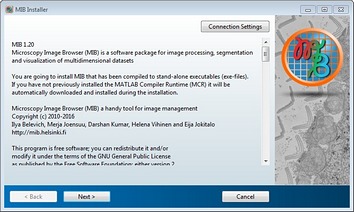
- Press Next
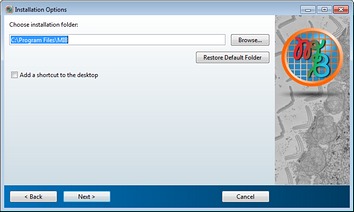
- Select installation directory
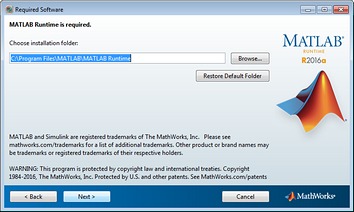
- If you have not previously installed the MATLAB Compiler Runtime (MCR) you will need to install it
Select installation directory of the MCR and press Next
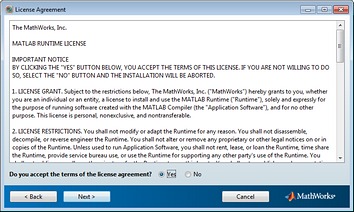
- Accept the license agreement and press Next
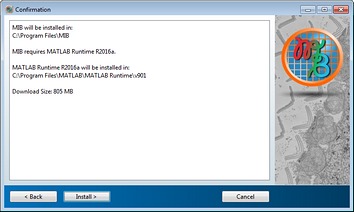
- Press Install to download and install MCR
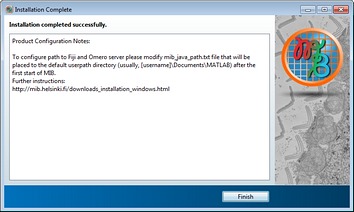
- Press Finish to quit the installer
if you want to use MIB with Fiji or Omero server please check the First start of MIB section below
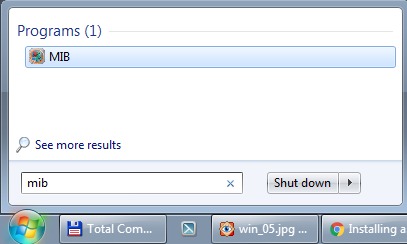
- After installation MIB will be available in the Start menu


First start of MIB 1
-
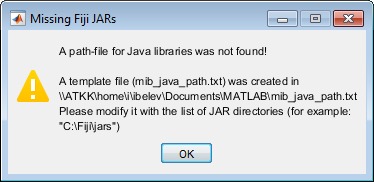
During the first start MIB will create a template file with path to Fiji and Omero.
- To use MIB with Fiji, please modify the Fiji installation directory in
mib_java_path.txt - To use MIB with Omero server, please follow these steps
- Access help and tutorials from the menu of MIB: im_browser->Menu->Help->Help or from mib.helsinki.fi/tutorials
- See also First start of MIB 1 in Additional Info