 |
Microscopy Image Browser
1.233
|
|
Microscopy Image Browser
1.233
|
Resize 3D dataset. More...
Functions | |
| function imgOut = | mib_resize3d (img, scale, options) |
| Resize 3D dataset. More... | |
Resize 3D dataset.
| function imgOut = mib_resize3d | ( | img, | |
| scale, | |||
| options | |||
| ) |
Resize 3D dataset.
imresize - [default] (fastest) use imresize to resize XY dimension after resize the Z-dimension, gives somewhat softer images than other methods; interpn - interpolation for 1-D, 2-D, 3-D, and N-D gridded data in ndgrid format, quite fast but requires more memory that other methods tformarray - resize using a spatial transformation to N-D array, quite slow but more memory friendly comparing to interpn| img | a 3D (y,x,z) or 4D (y,x,c,z) dataset for resize |
| scale | a number or a vector [scaleY, scaleX, scaleZ] for each dimension with resizing scaling factor, could be empty when options.width, options.height, options.depth fields are used |
| options | [optional], additional options
|
| imgOut | resampled dataset |
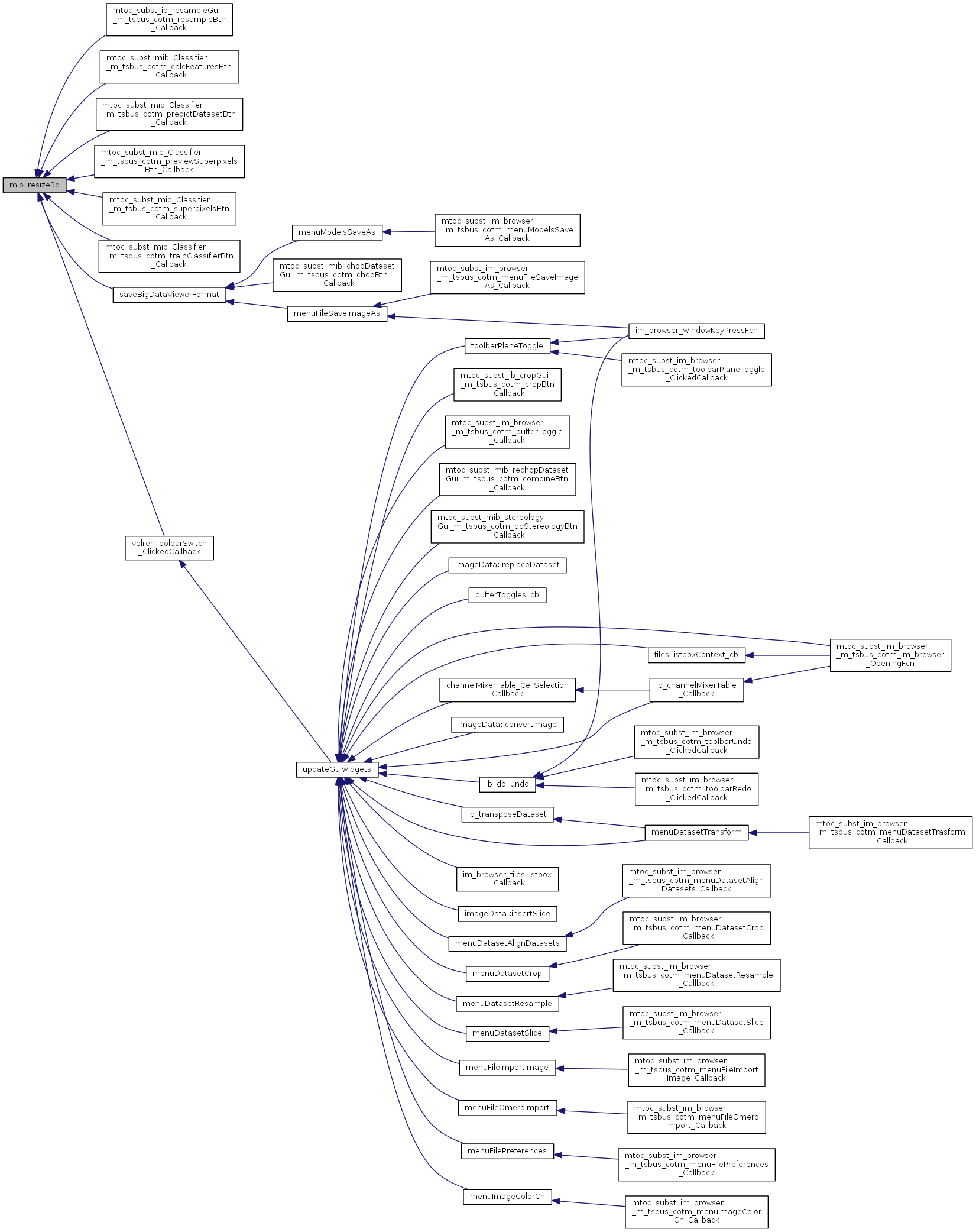
Referenced by ibresampleGui>resampleBtn_Callback(), mibClassifier>calcFeaturesBtn_Callback(), mibClassifier>predictDatasetBtn_Callback(), mibClassifier>previewSuperpixelsBtn_Callback(), mibClassifier>superpixelsBtn_Callback(), mibClassifier>trainClassifierBtn_Callback(), saveBigDataViewerFormat(), and volrenToolbarSwitch_ClickedCallback().
 1.8.3.1
